Introduction
A fast, feature-rich application launcher for Wayland
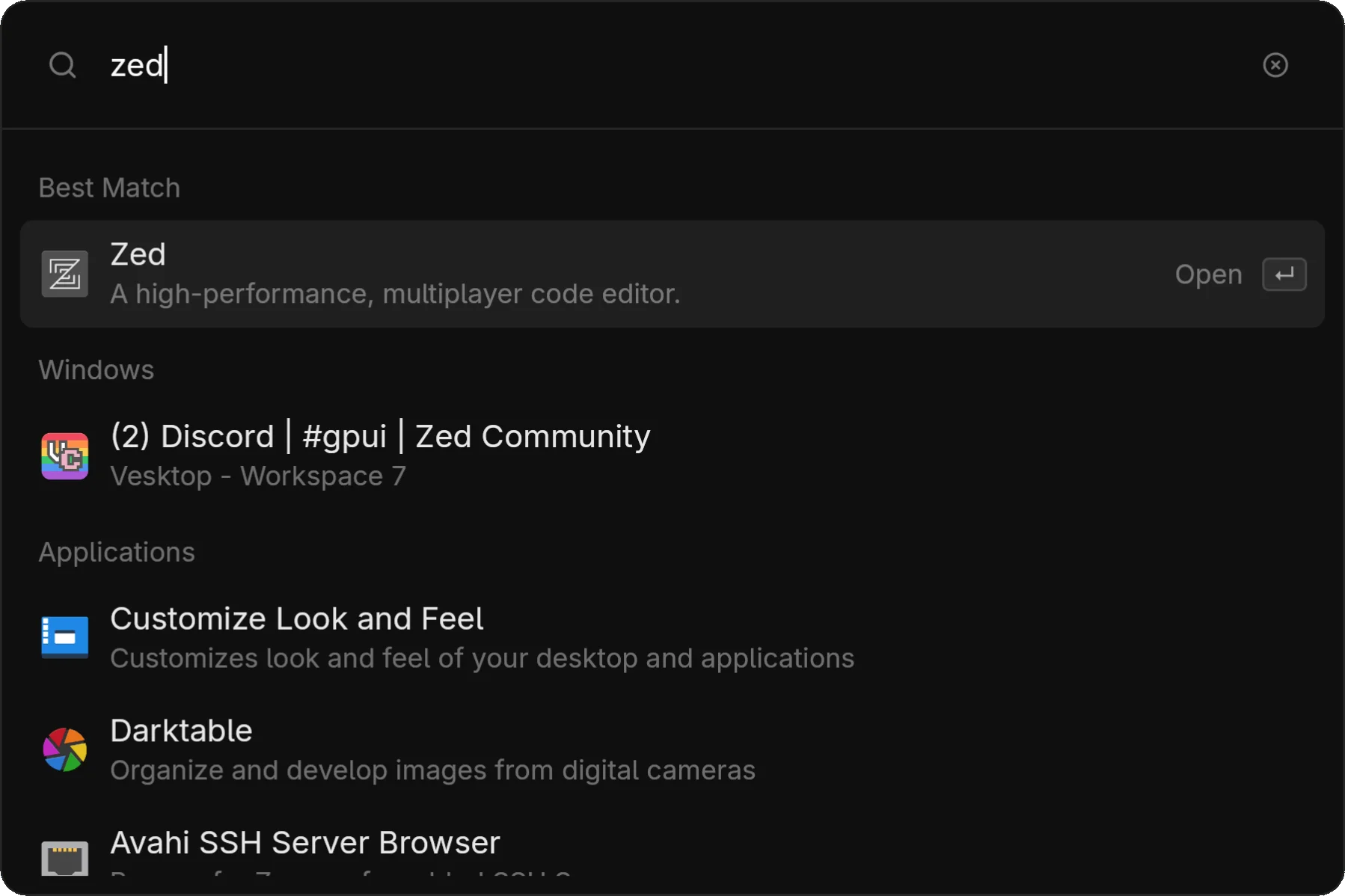
zlaunch is a fast application launcher and window switcher for Linux Wayland desktops, written in Rust using the GPUI framework.
Why zlaunch?
Instant Response
Daemon architecture means the launcher appears instantly—no startup delay. It also enables clipboard history monitoring.
All-in-One
Launch apps, switch windows, calculate, pick emojis, browse clipboard history, search the web, and chat with AI—all from one interface.
Wayland-Native
Built for Wayland with first-class Hyprland and Niri support, including automatic blur and workspace awareness.
Customizable
15 bundled themes, custom theme support, and extensive TOML configuration.
Features
| Category | Features |
|---|---|
| Launcher | Fuzzy search, terminal app support, icon themes |
| Windows | Switch & focus, workspace info, compositor integration |
| Utilities | Calculator, emoji picker, clipboard history |
| Search | Configurable web search providers |
| AI | Ollama, Gemini, OpenAI, OpenRouter support |
| Theming | 15 themes, custom TOML themes, hot-reload |
Philosophy
zlaunch aims to sit in a sweet spot between minimal launchers and feature-rich power tools:
-
Zero-config useful — Works great out of the box with sensible defaults. No plugins to install, no themes to configure, no scripts to write. Just install and go.
-
Batteries included — Calculator, emoji picker, clipboard history, window switching, web search, and AI are built-in and well-integrated. More useful than a basic app launcher without any setup.
-
Opinionated, not infinitely flexible — zlaunch is not a dmenu replacement or a scriptable tool for building custom menus. It does one thing well: be a great launcher.
Comparison
| Launcher | Philosophy | Wayland | Built-in Features |
|---|---|---|---|
| zlaunch | Opinionated, batteries-included | Native | Apps, windows, calculator, emoji, clipboard, search, AI, themes |
| Rofi | Flexible, scriptable, themeable | 2.0 beta | Apps, windows, SSH, dmenu mode (calculator etc. via plugins) |
| Vicinae | Raycast-like, extension ecosystem | Native | Apps, clipboard, emoji, extensions via React/TypeScript |
| Fuzzel | Minimal, fast, simple | Native | Apps, dmenu mode |
| Anyrun | Modular, plugin-based | Native | Apps, calculator, symbols, websearch (via plugins) |
| Albert | Plugin-based, feature-rich | X11 | Apps, files, calculator, web search (via plugins) |
| KRunner | KDE-integrated, powerful | KDE | Apps, calculator, units, windows, files, and much more |
When to choose zlaunch:
- You want a feature-rich launcher that works immediately without configuration
- You use Hyprland or Niri and want native integration
- You prefer a curated, cohesive experience over infinite extensibility
When to choose something else:
- You need dmenu compatibility or custom scripted menus → Rofi, Fuzzel
- You want a Raycast-like extension ecosystem → Vicinae
- You need maximum flexibility and don't mind configuration → Rofi, Anyrun
- You're on KDE → KRunner is already excellent
Quick Start
Install zlaunch
Choose your installation method: Nix flake, AUR, or build from source.
Start the daemon
zlaunchLaunch!
Press your keybind, type to search, and press Enter.