Modules
Calculator
Evaluate math expressions
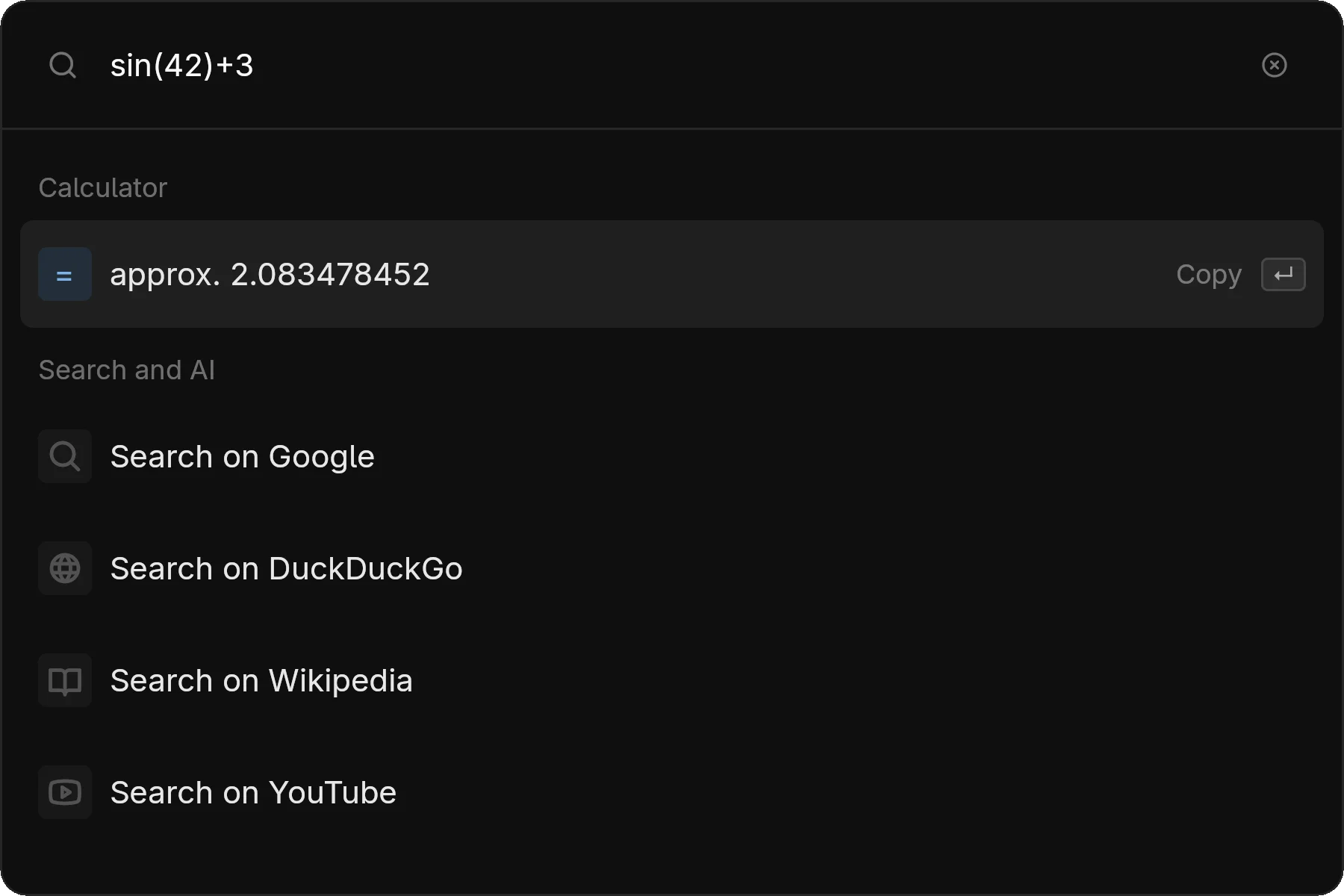
The calculator module provides real-time math expression evaluation.
Usage
Type a math expression and see the result instantly. Press Enter to copy the result to clipboard.
Examples
| Expression | Result |
|---|---|
2 + 2 | 4 |
sqrt(16) | 4 |
sin(pi/2) | 1 |
100 * 1.15 | 115 |
2^10 | 1024 |
log(100) | 2 |
Supported Operations
| Operator | Description |
|---|---|
+, -, *, / | Basic operations |
^ or ** | Exponentiation |
% | Modulo |
( ) | Grouping |
| Function | Description |
|---|---|
sqrt, cbrt | Square/cube root |
sin, cos, tan | Trigonometry |
asin, acos, atan | Inverse trig |
log, ln | Logarithms (log is base 10) |
abs, floor, ceil, round | Rounding |
exp | e^x |
| Constant | Value |
|---|---|
pi | π (3.14159...) |
e | Euler's number (2.71828...) |
Unit Conversions
5 km to m          → 5000 m
100 F to C         → 37.78 °C
1 hour to seconds  → 3600 seconds
Result Formatting
Results are formatted with thousand separators for readability. When copying, the raw number (without formatting) is placed in your clipboard.
Invalid expressions show an error indicator. Common issues: division by zero, invalid function names, mismatched parentheses.
Mode Access
zlaunch show --modes calculator
# or
zlaunch show --modes calc
Tip: In combined mode, just start typing a math expression and the calculator result will appear automatically.