Modules
Clipboard
Browse and paste from clipboard history
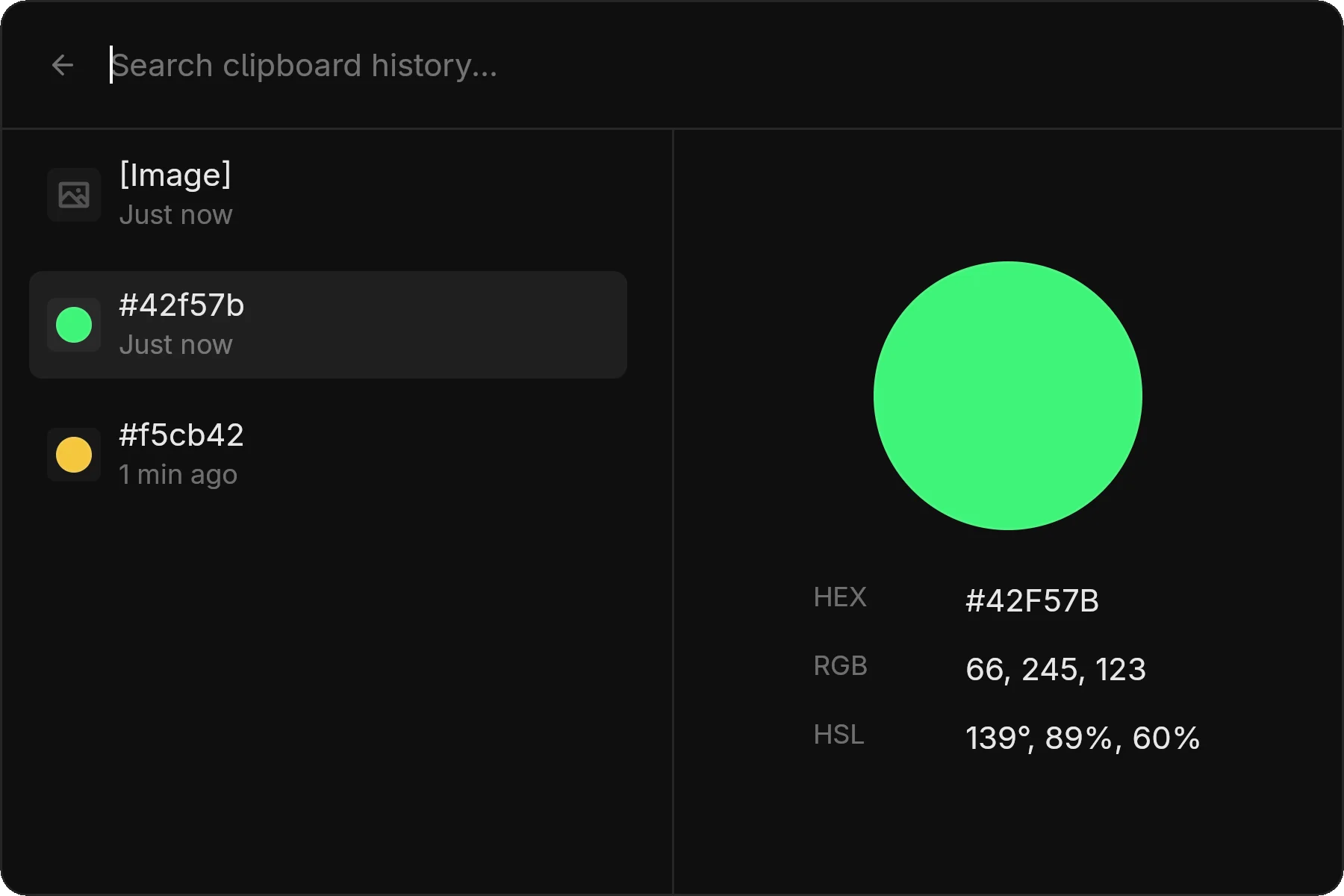
The clipboard module maintains a history of copied items.
Requirements
Clipboard history requires Wayland data-control protocol support (wlr-data-control-v1).
| Compositor | Support |
|---|---|
| Hyprland | ✓ |
| Niri | ✓ |
| Sway | ✓ |
| Other wlroots | ✓ |
| KDE/KWin | ⚠ Experimental |
Usage
- Open zlaunch in clipboard mode
- Browse your clipboard history
- Type to search entries
- Press Enter to copy the selected entry back to clipboard
- Paste with
Ctrl+Vor middle-click
Supported Content
| Type | Description |
|---|---|
| Text | Plain text of any length |
| Images | Displayed as thumbnails |
How It Works
zlaunch runs a background monitor that watches for clipboard changes. When you copy something, it's added to the history.
The history is stored in memory and cleared when the daemon stops.
Mode Access
zlaunch show --modes clipboardQuick keybind (Hyprland):
bind = SUPER, V, exec, zlaunch show --modes clipboardNotes
Privacy: Clipboard history is not persisted across restarts, but sensitive data (passwords) will appear in history during a session. Be aware when sharing your screen.