Modules
Windows
Switch between open windows
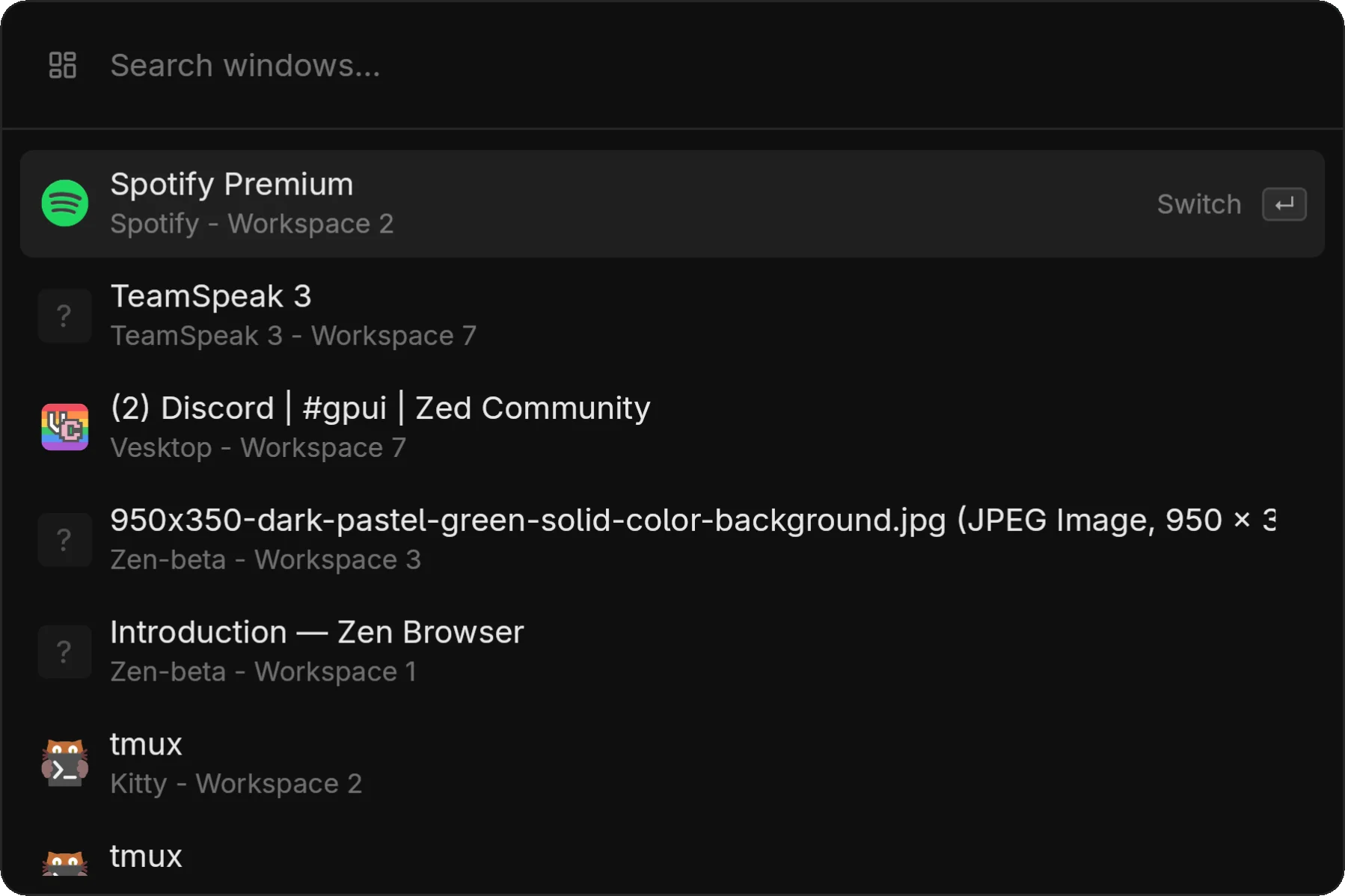
The windows module lists all open windows and lets you quickly switch focus.
Compositor Support
| Compositor | Support | Notes |
|---|---|---|
| Hyprland | ✓ Full | IPC, workspace info, focus tracking |
| Niri | ✓ Full | IPC, window listing, focus |
| KDE/KWin | ⚠ Partial | Experimental, some bugs |
| Other | ✗ | Module will be empty |
On unsupported compositors, the windows module won't show any entries.
Usage
- Open zlaunch (or switch to windows mode)
- See all open windows with their titles
- Type to filter by window title
- Press Enter to focus the window
Display Format
Each window entry shows:
- Application name
- Window title
- Workspace indicator (when available)
The currently focused window is marked.
Automatic Filtering
zlaunch filters out:
- Special windows
- Unmapped windows
- Hidden windows
- The zlaunch window itself
Mode Access
zlaunch show --modes windowsTip: You can also open zlaunch directly in windows mode via the CLI:
zlaunch toggle --modes windows